Real maps, not doodles
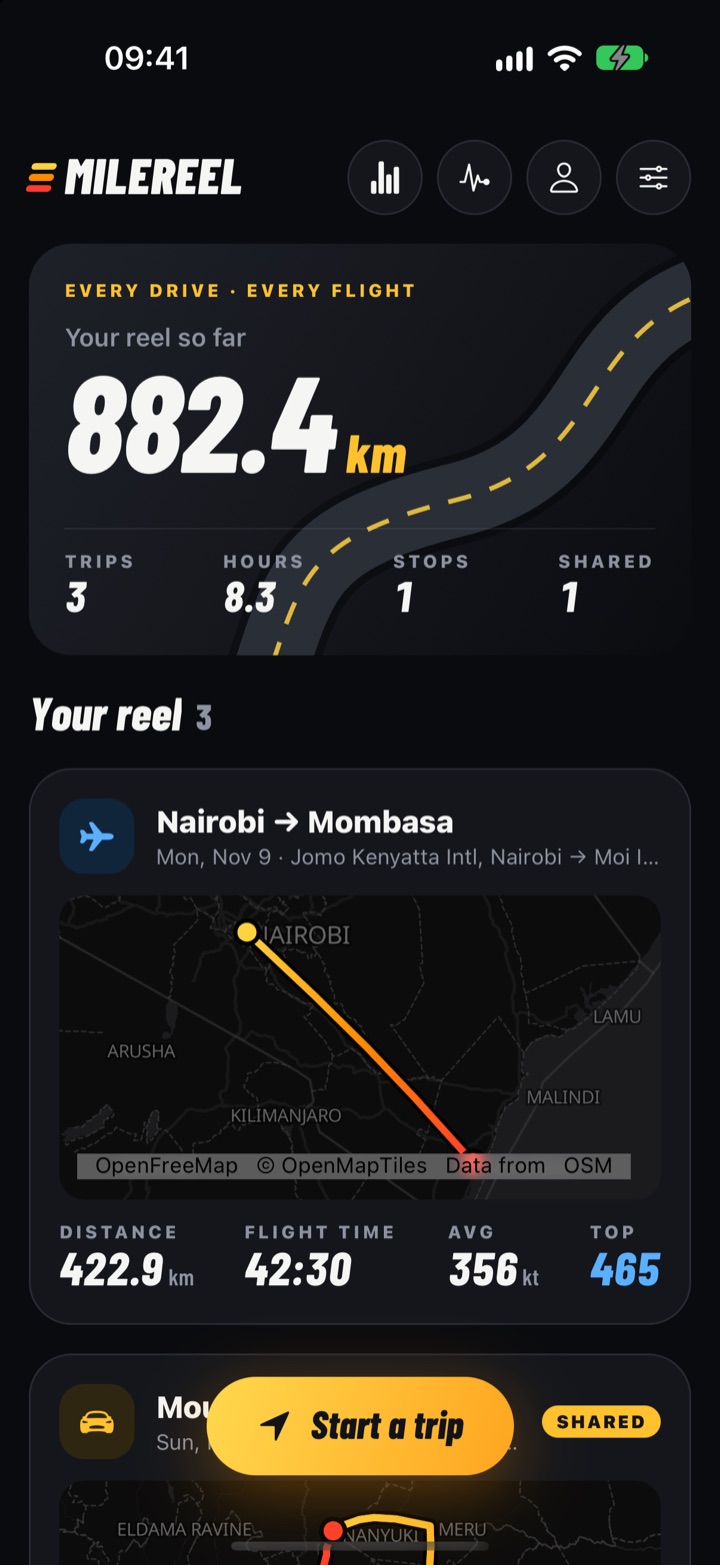
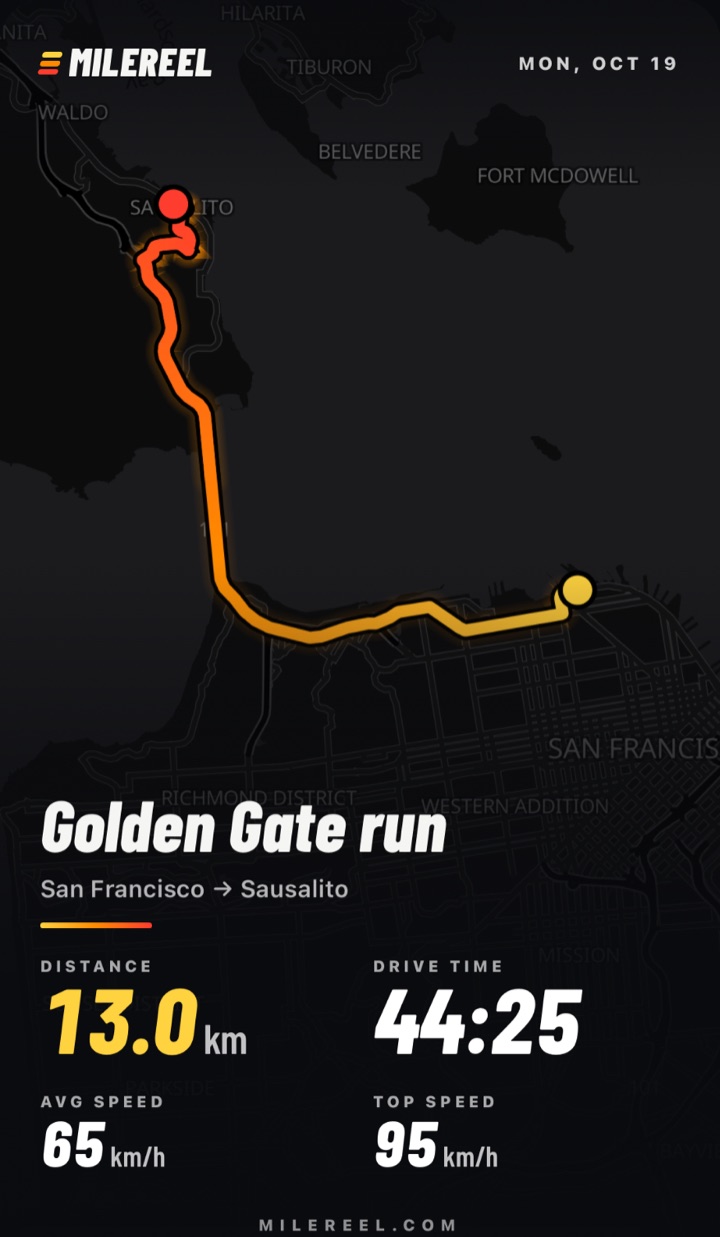
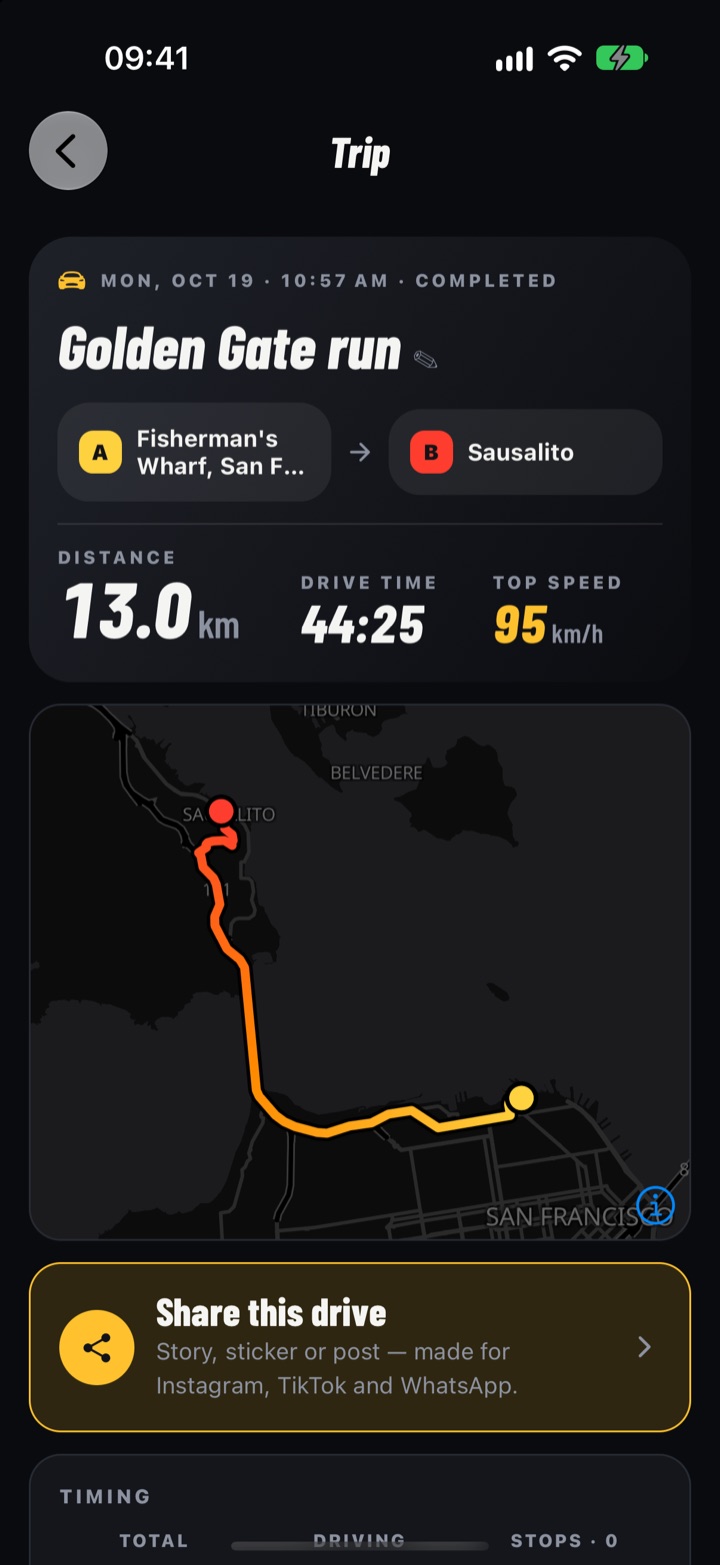
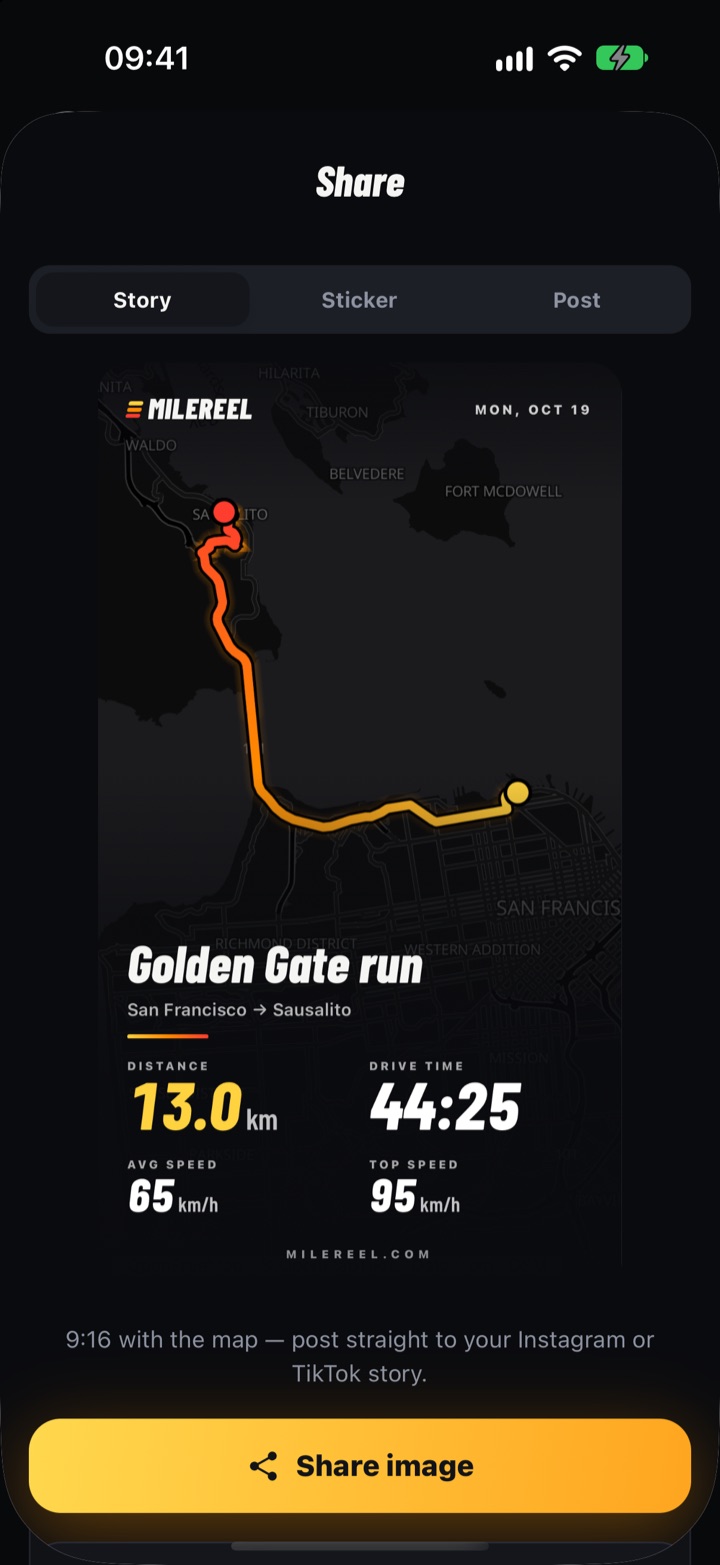
Every trip is drawn on a real map with a yellow-to-red route that tells the story from start to finish.
Every drive · Every flight
MileReel records every road trip and flight — real maps, speed, stops and G-force — and turns them into Strava-style cards made for Instagram.
Free for Android
What it does
Every trip is drawn on a real map with a yellow-to-red route that tells the story from start to finish.
Log breaks in a tap. They’re timed separately from driving and pinned on the map, so every leg makes sense.
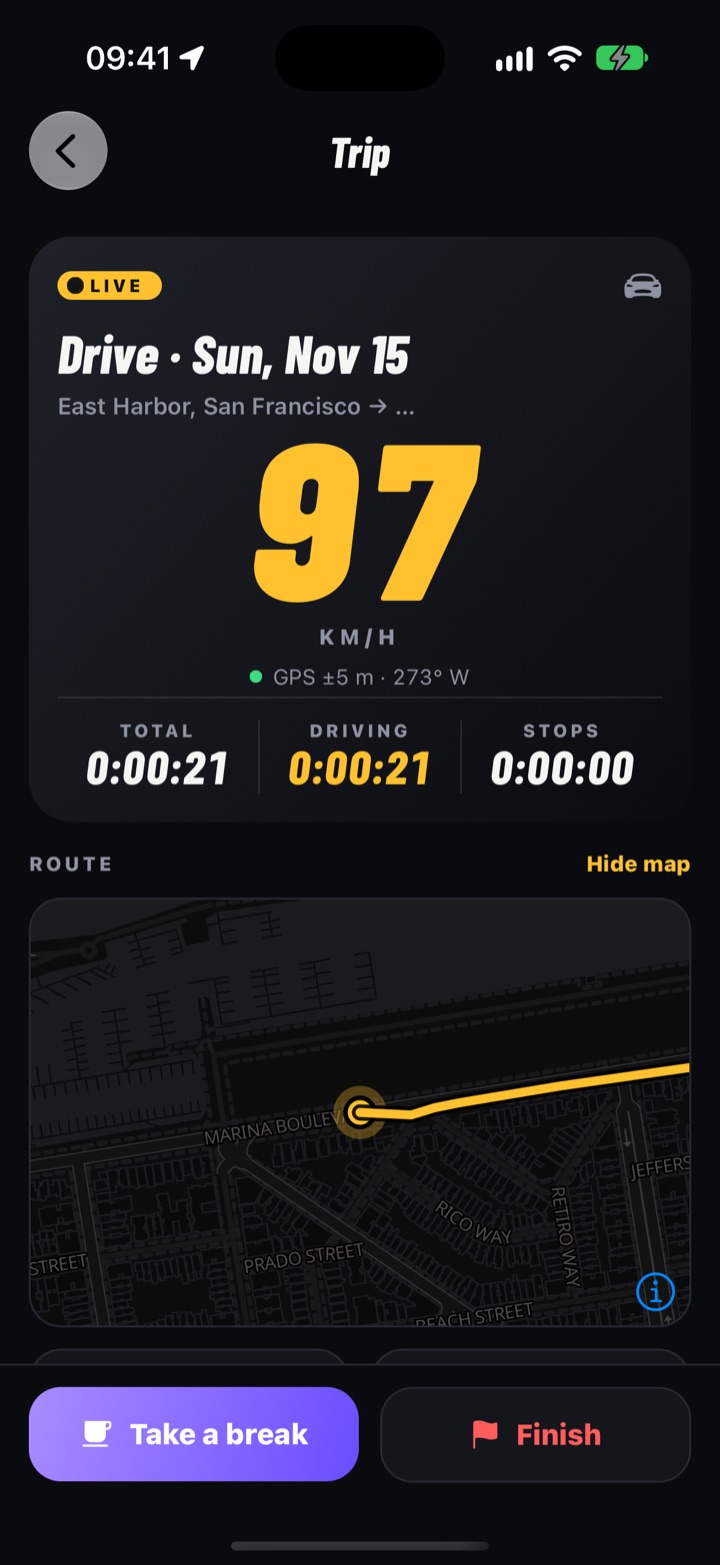
Huge live speed, drive time, stops and distance — readable at a glance from the dash mount.
Road trips and flights in one reel: knots and altitude for pilots, km/h and climbing for drivers.
One tap turns a trip into a 9:16 story, a transparent route sticker or a square post — sharp, not blurry.
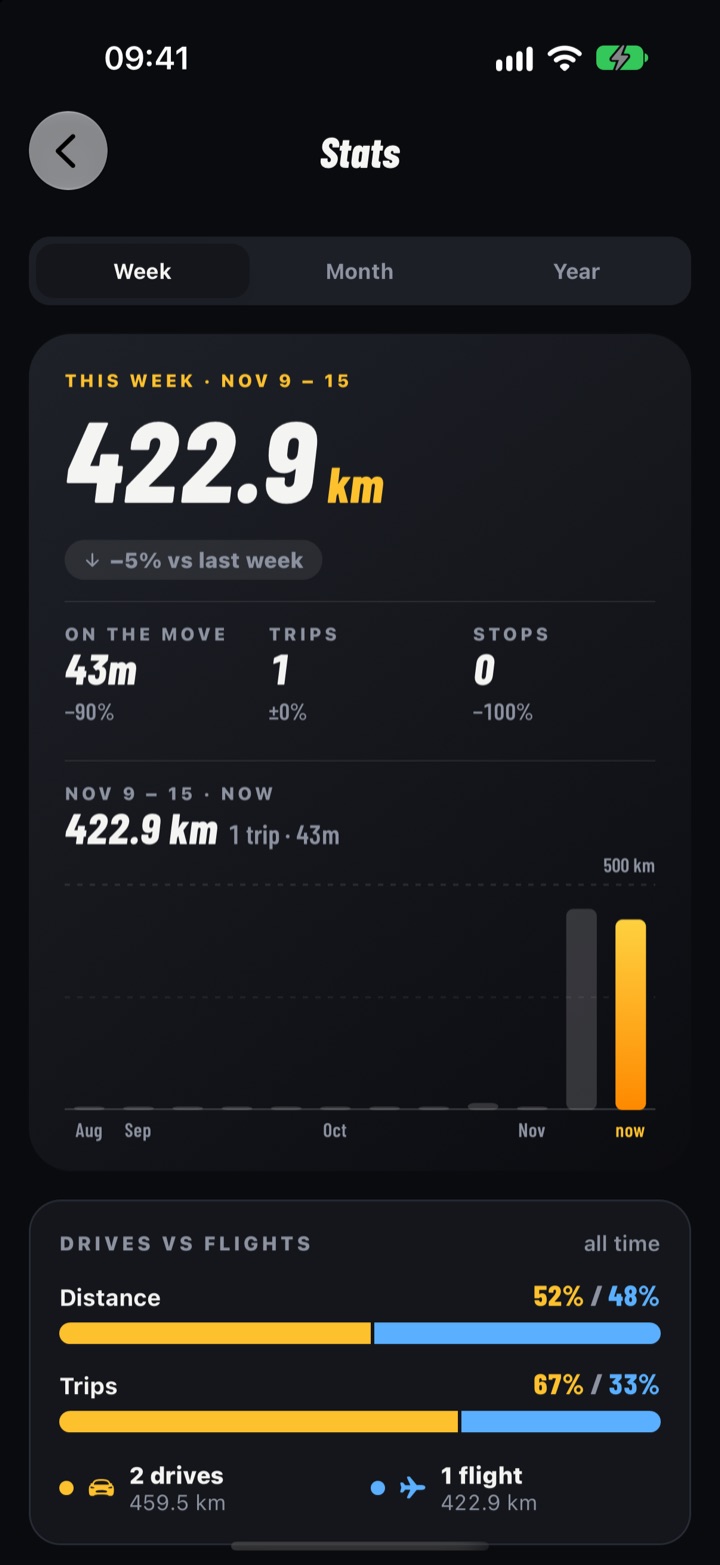
Weekly totals, streaks and personal bests: longest drive, top speed, most climbing.
Works offline with no account. Your trips stay on your phone until you choose to back them up.
Break reminders on long drives, a ‘still recording?’ nudge and a Monday recap of your week.
On the road
MileReel keeps recording with the screen off, times every stop separately from driving and reverse-geocodes where you paused. Finish, and your trip is waiting with the full map, top speed, drive time and every leg.
Made to be shared
Tap Download for Android, then open the file. Allow the install once if Android asks.
Pick drive or flight and go. Log fuel, food and photo stops along the way.
Finish, then send a story, sticker or link to your crew.
Your numbers
Weekly, monthly and yearly totals, drives versus flights, your longest trip, top speed and how many weeks in a row you’ve hit the road.
Yes. Download it, record as many drives and flights as you like and share them — no ads, no subscription.
We ship the Android app directly from this site while we grow. It’s the same signed app; Android just asks you to allow the install once. The install guide walks you through it in under a minute.
Only install apps from sources you trust — this site is MileReel’s official home and every release lists its SHA-256 fingerprint so you can check the file. Google Play Protect may scan it the first time; that’s normal.
It’s coming. Leave your email below and we’ll tell you the day it’s out.
GPS uses power on any app, so plug in for long trips. MileReel stops tracking the moment you finish and nudges you if you forget.
No. Accounts are optional — they add cloud backup, sync between phones and public links to your trips.
iPhone
Leave your email and we’ll tell you the day MileReel lands on the App Store. Nothing else, ever.